Components
Documentation contentTextarea
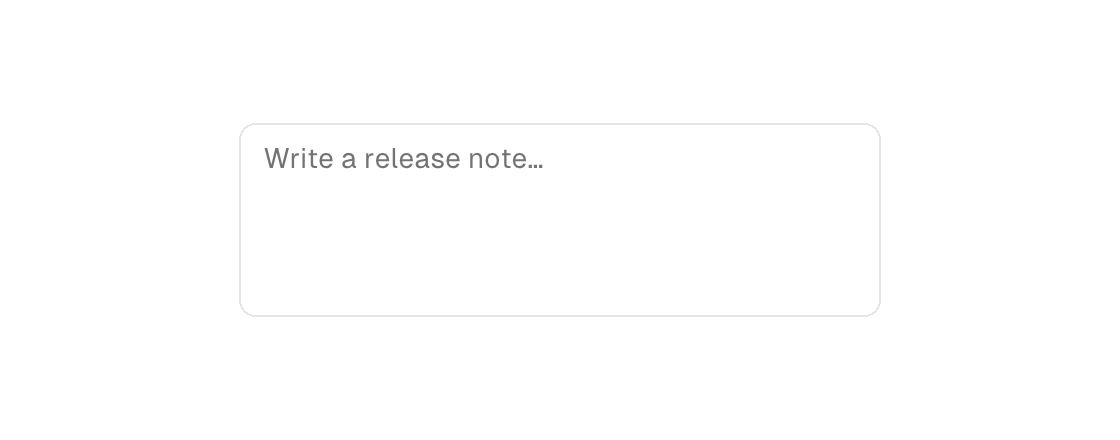
Use textarea for multiline text entry. Bind text and placeholder to the model and handle on-input with the input edit reducer. Set width and height, or grow, to size it.
Enter and Shift+Enter insert newlines by default. With on-submit, Command+Enter on macOS or Ctrl+Enter elsewhere submits. Set submit-on-enter="true" for plain Enter to submit while Shift+Enter still inserts a newline. The primary modifier shortcut continues to submit.
Editing shortcuts follow input. On macOS, Command+Backspace deletes the selection or text from the caret to the beginning of the logical line. Soft wrapping does not change that boundary.
textarea

Markup
Programmatic construction (Zig)
In a Zig view, the canvas.Ui builder constructs the same tree programmatically:
Attributes
| Attribute | Description |
|---|---|
text | Text value for text-bearing elements; a literal or one {binding}. |
placeholder | Hint text shown while a text entry is empty. |
disabled | Disables the control; true/false or a {binding}. |
autofocus | Focusable controls only: moves keyboard focus to the element when it mounts or when the value turns on (edge-triggered - holding it true never re-steals focus). The TEA way to focus an editor on create. |
submit-on-enter | textarea only: true makes plain Enter dispatch on-submit while Shift+Enter inserts a newline; Cmd/Ctrl+Enter still submits. False or absent keeps the multiline default where Enter inserts and submission uses the primary chord. |
on-input | Names a Msg variant with canvas.TextInputEvent payload; delivers each text edit. |
on-submit | Dispatch a Msg on submit: tag or tag:{payload}. Enter in a text field, primary+enter in a textarea; on a list-item, plain Enter dispatches it as the row's primary action while Space keeps the row's select (on-press). |